Made in BeautifulGrids
The layout tool
that can't make ugly.
Drop a folder of photos — get a tasteful grid in 30 seconds. Export PNG, PDF, or editable PowerPoint. A paid subscription is required to edit and export.
Every feature included · PNG, PDF and PPTX · Cancel anytime
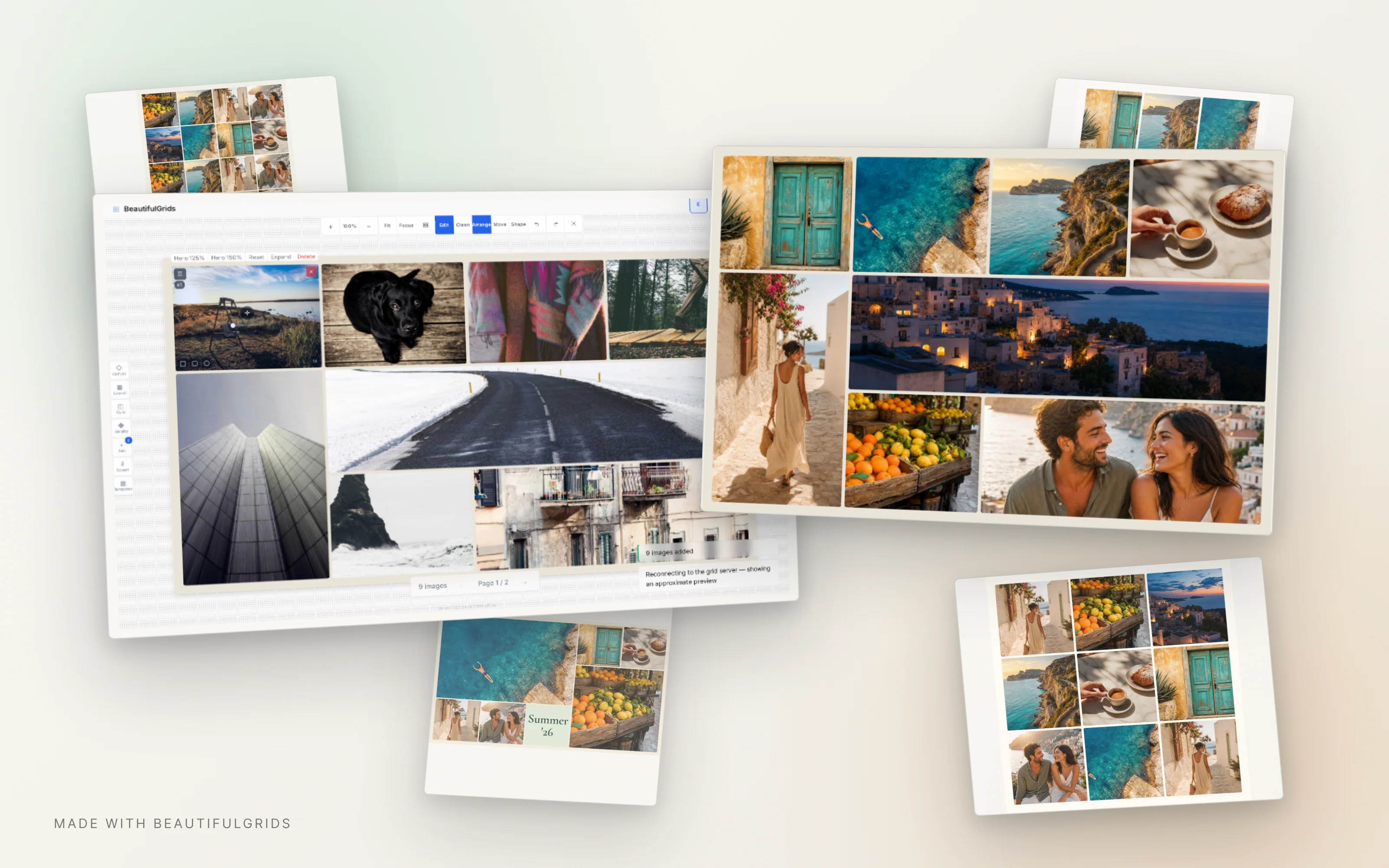
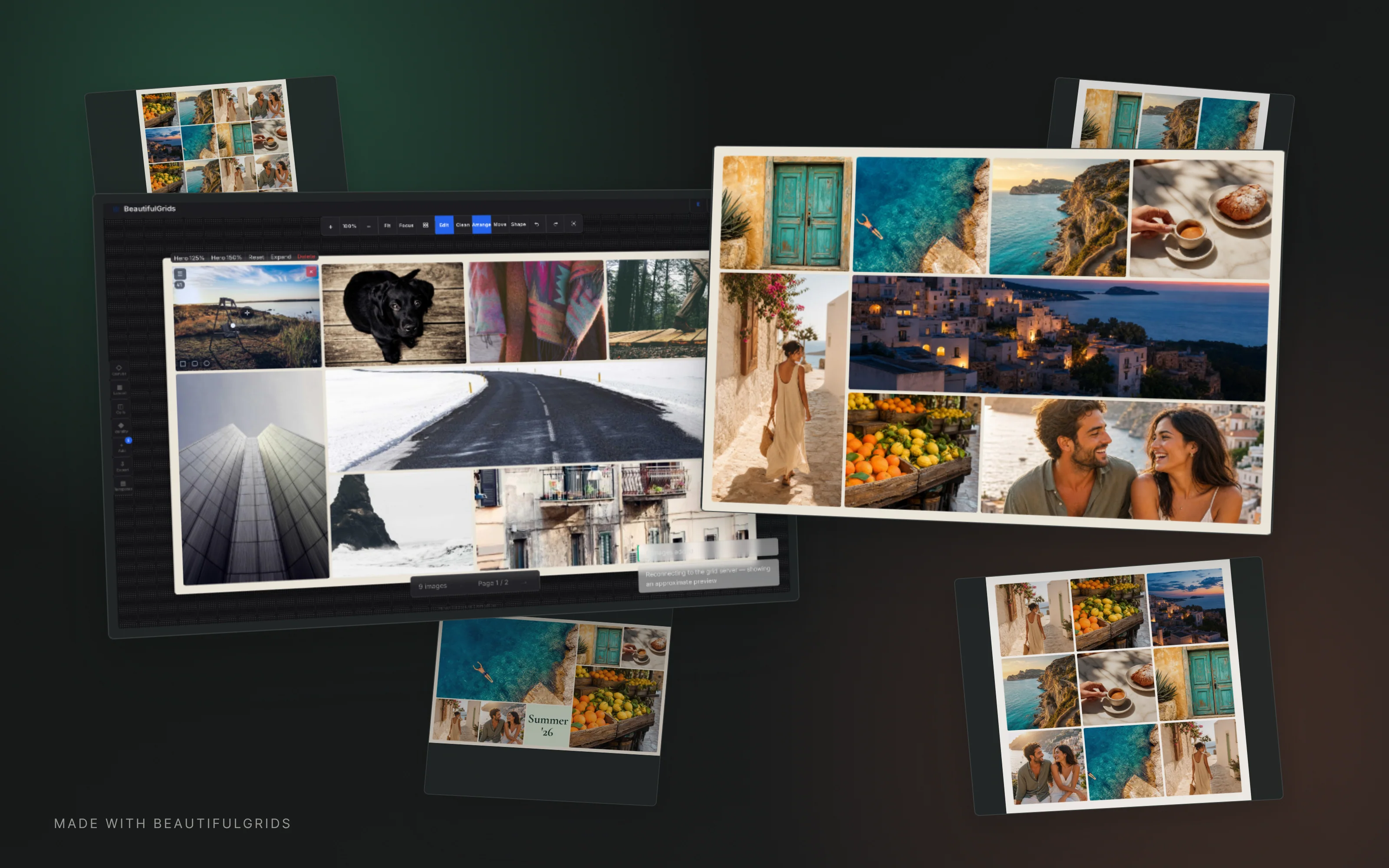
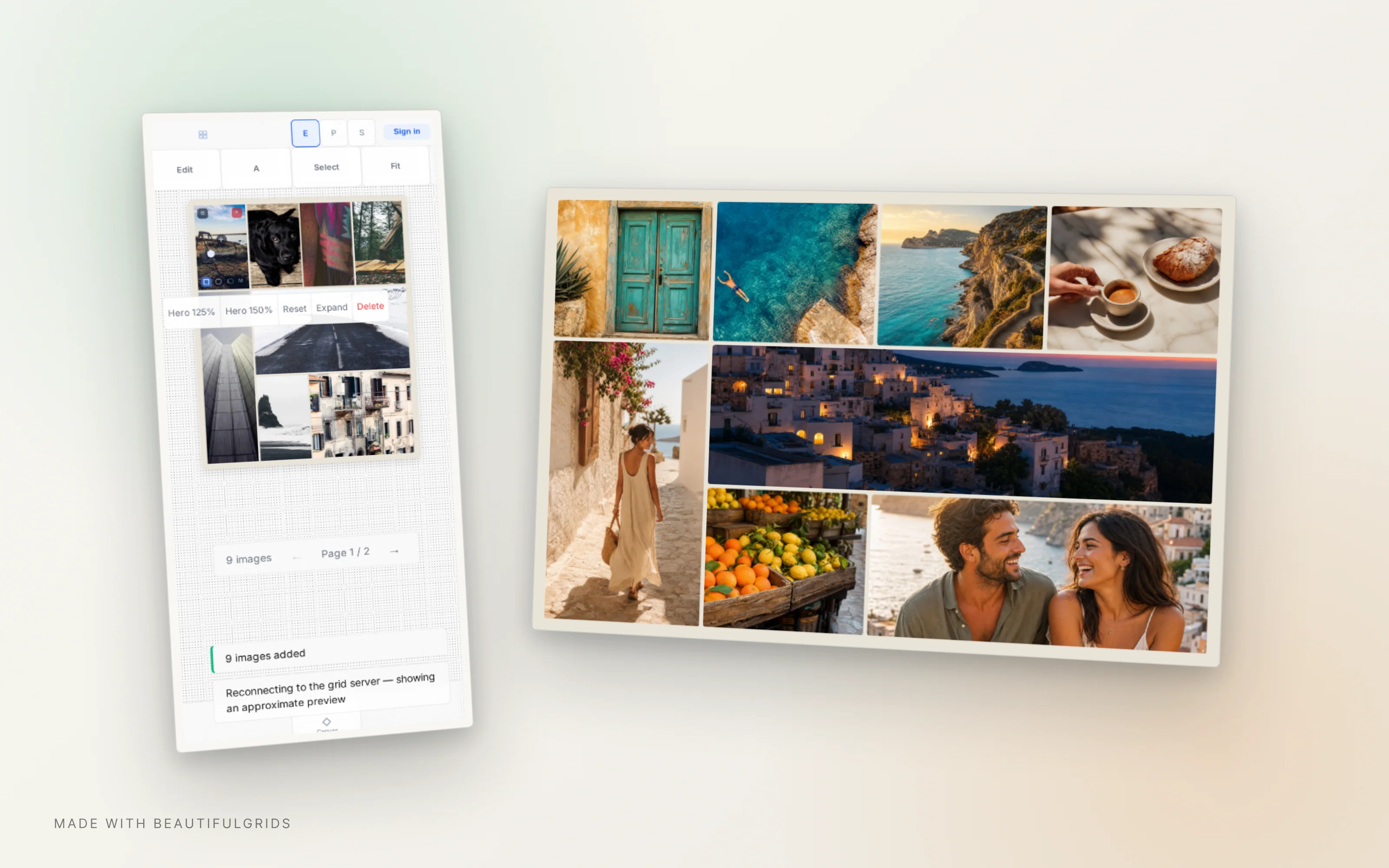
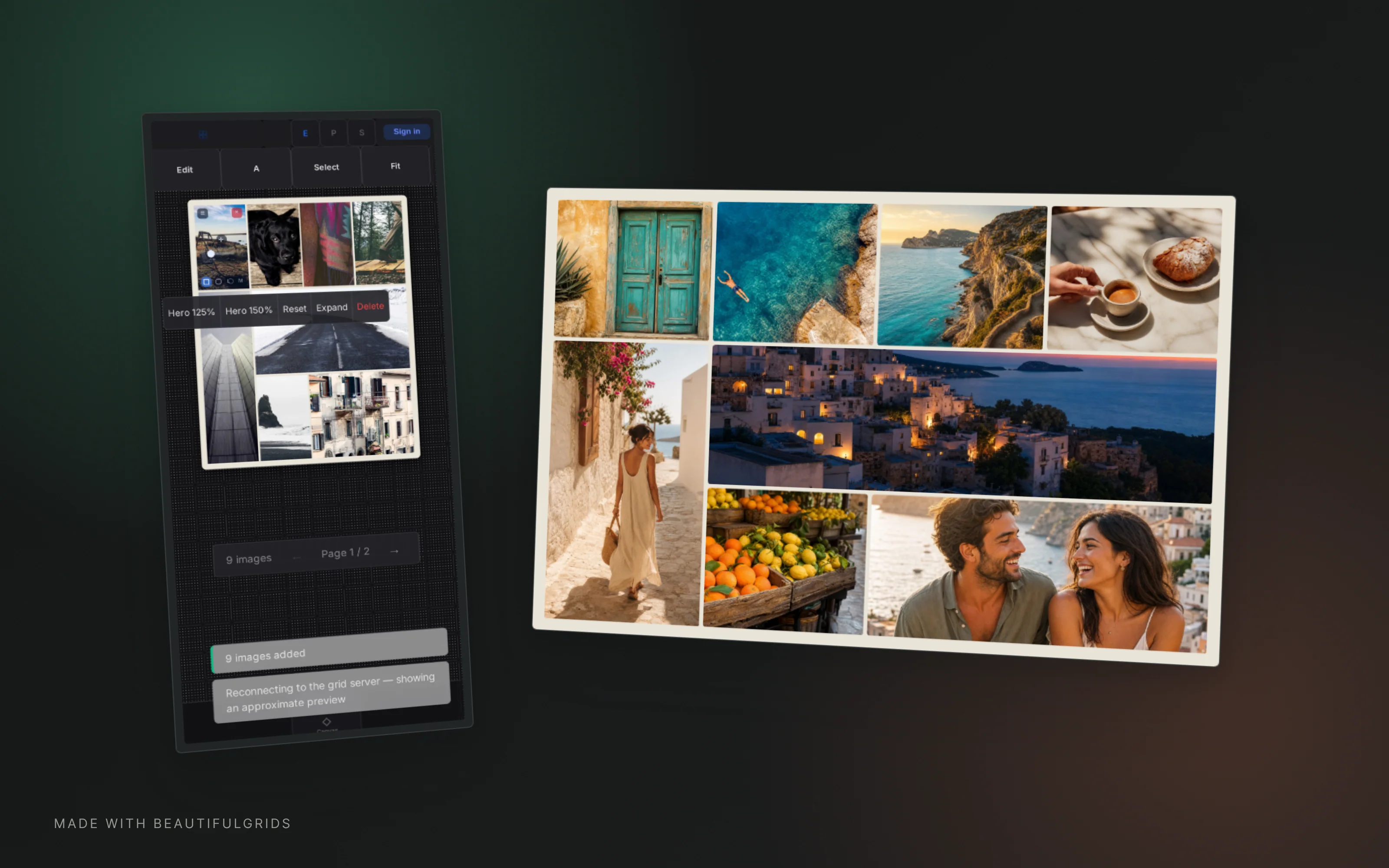
One tool, many outcomes
Polished exports, at the speed of mockups.

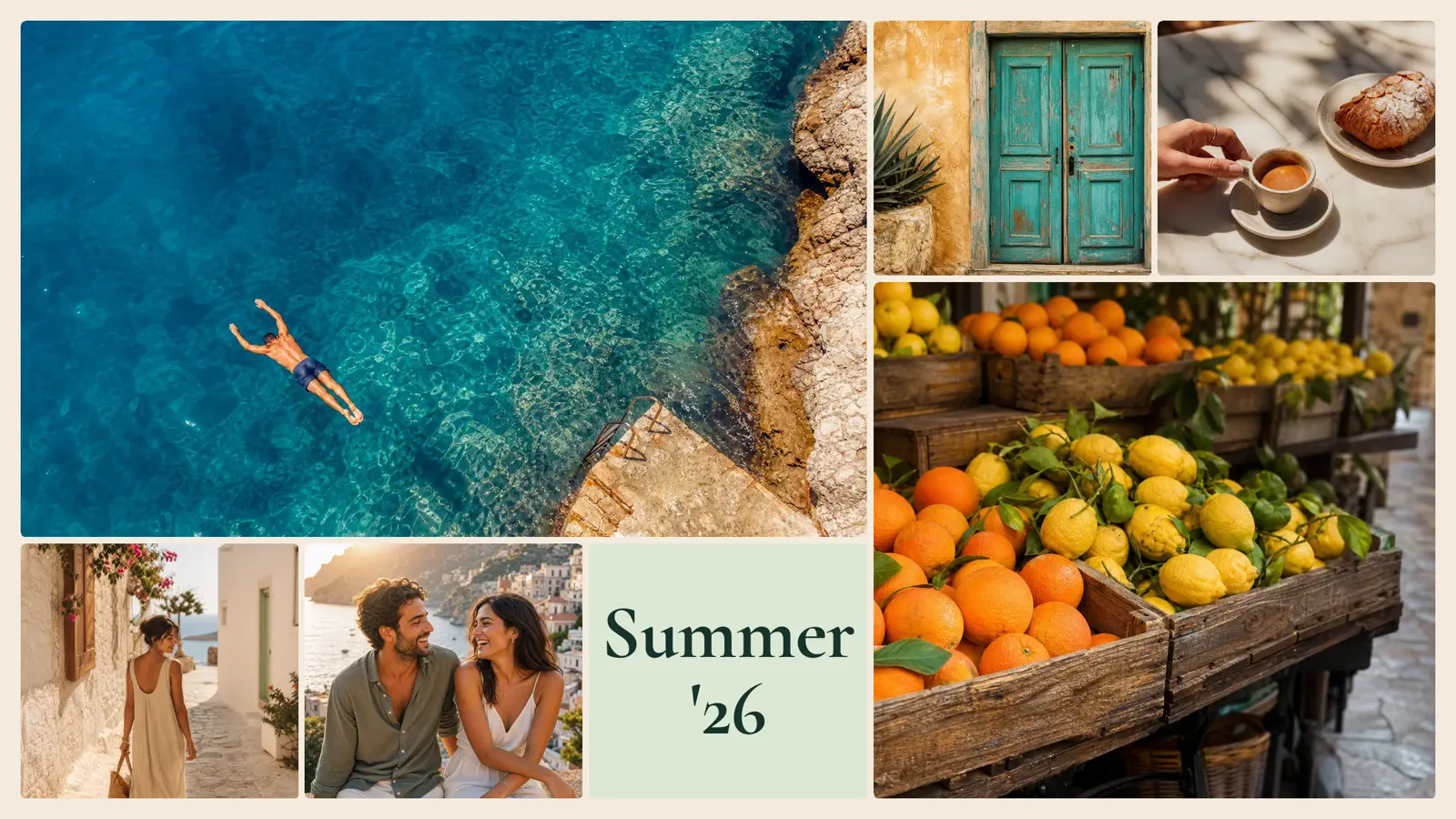

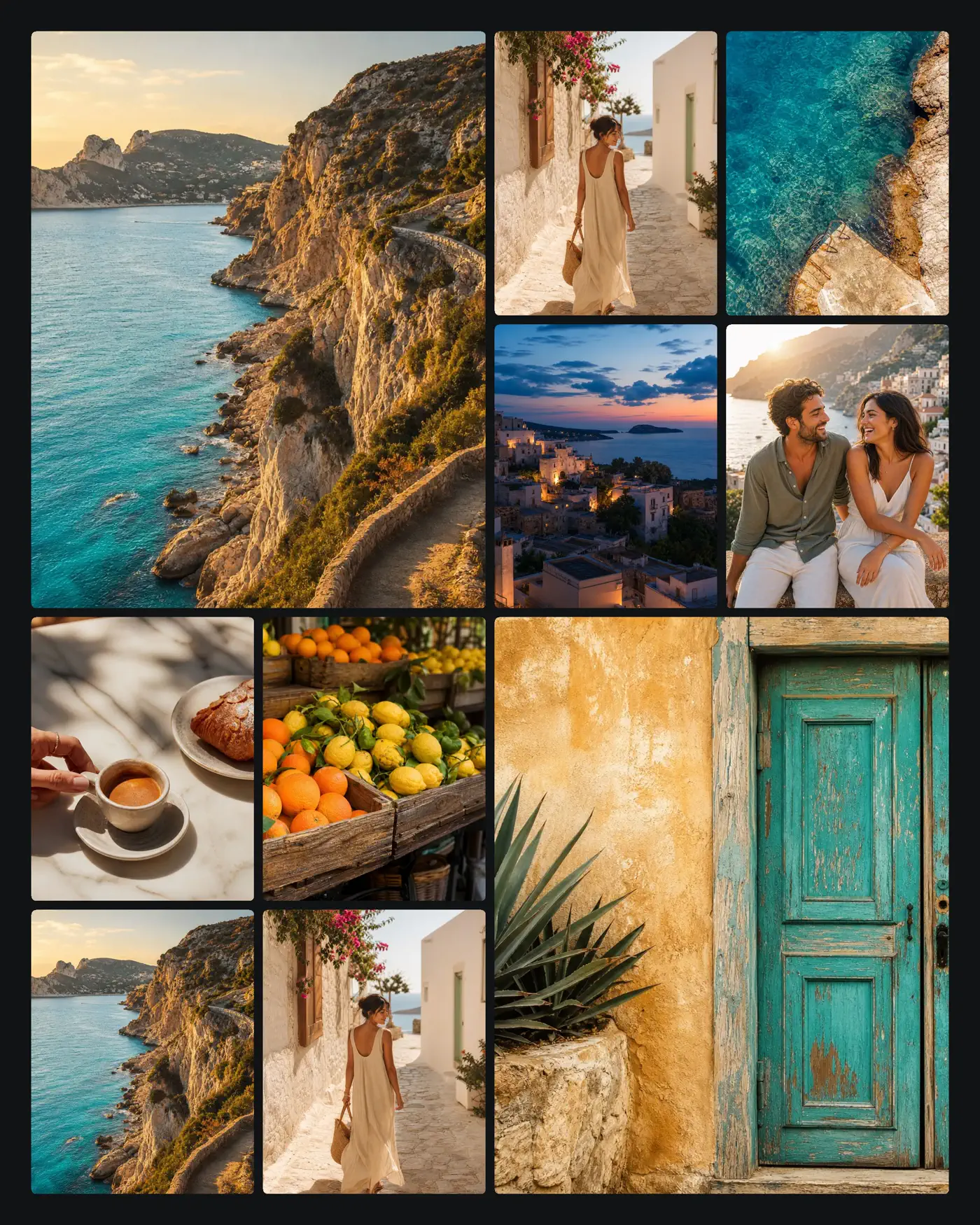
Built for the work
Your tasteful layout factory.
Loose photos become a finished board without the blank-canvas detour.


Made for makers.


Simple pricing
One plan. Everything in it.
FAQ
Can I really make a deck in 30 seconds?
Collect your photos, curate the draft, and even hit export. Of course you can (and should) spend more time refining. But the first draft is done before InDesign finished loading.
Does it really render in 8K?
Export images up to 8K resolution — that's 300+ DPI on any standard print size. A4, A3, Letter, multi-page PDF for booklets. Not enough? Reach out.
Can it really handle hundreds of source images?
Drop 300 photos and watch. Multi-page grids, auto-pagination, batch rename and export. Built for people who got tired of waiting and just want to be creating.
Can I build a layout once, and reuse it forever?
Yes. Save any grid as a template — your spacing, your style, your ratios. Next time, load it, drop new content, export. Build your look once, use it every time.
Can I mix text and images in the same grid?
Yes. Add text cells anywhere — titles, captions, labels. Style with bold, italic, color, alignment. Each cell can be an image or text. Templates save everything.
Can my AI assistant use this?
Yes — natively. BeautifulGrids speaks MCP: point Claude or any agent at our server and it can build grids, fill templates, and export finished boards. A grid is just a small config file, so agents write it as fluently as you click it. Human taste stays in charge — you tweak, it obeys.
Where do my photos go?
To our render server, briefly — that's how exports come out pixel-perfect at 8K. Uploaded originals are deleted from the server within 2 hours. Your photos are never used to train anything, never shared, and never appear anywhere you didn't put them. Client work stays client work.
Loose photos in. Finished boards out.
 BeautifulGrids